
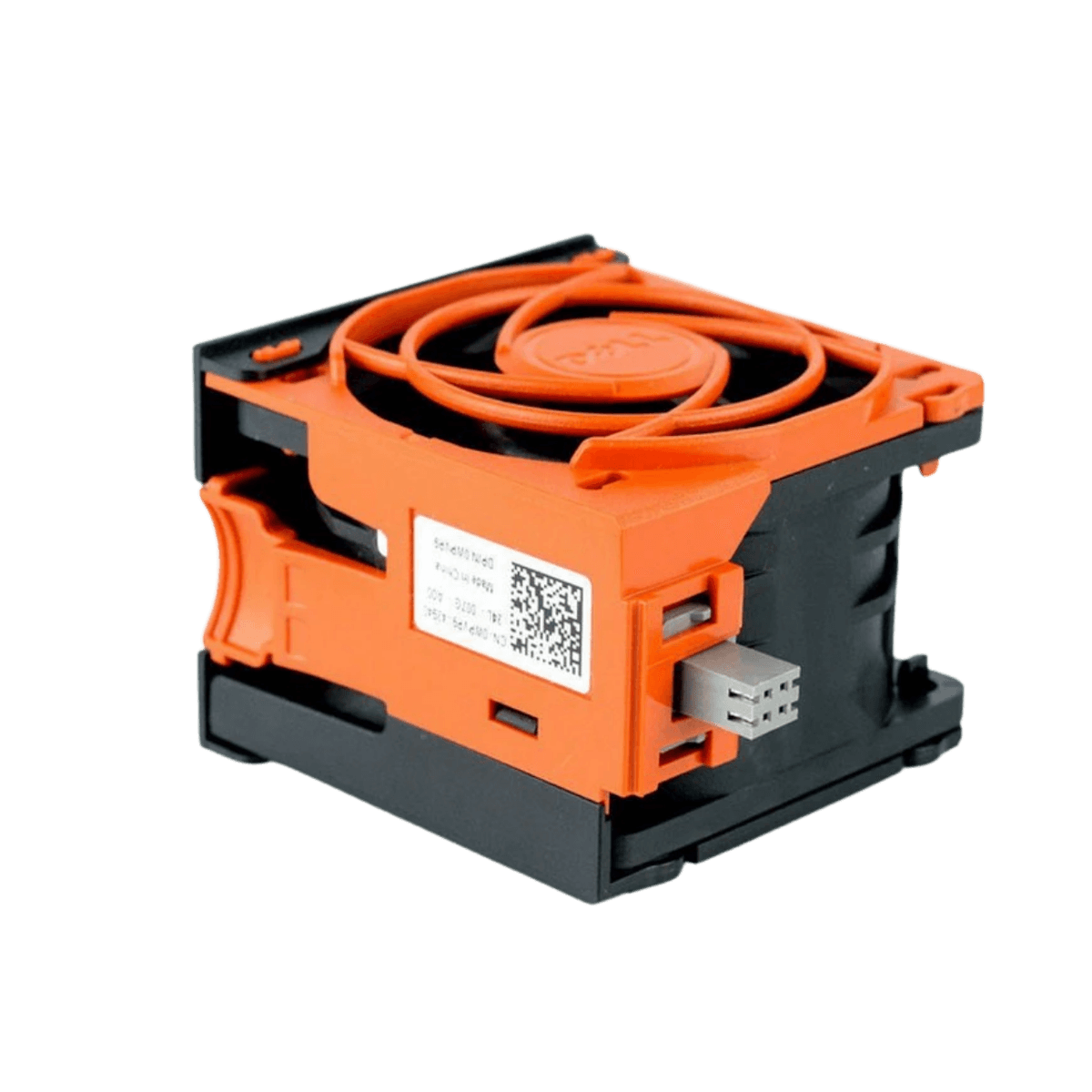
Dell PowerEdge R720 & R720XD Server Cooling Fan
Model Name : Dell PowerEdge R720, R720XD
Brand : Dell
Key Features
- Direct Dell Compatibility: Designed specifically for PowerEdge R720 and R720XD servers — ensures correct fit, airflow, and performance.
- Multiple OEM Part Numbers: Common fan parts include WG2CK, NCJH0, 3RKJC, KVN8J, NCJH0, and WPVP9, all tested for reliability.
- High-Performance Cooling: Standard 12 V DC server fans engineered for strong airflow to dissipate heat effectively.
- Hot-Plug Capable: Many R720/R720XD fan modules support hot-plug replacement, enabling swap-outs without full shutdown (depending on server config).
- Enhanced Reliability: Keeps your system within the proper temperature range to support uptime and hardware longevity.
- Tested & Warranty-Backed: Many products come tested and with warranty options when purchased from reputable suppliers.
 30 Days Warranty
 Condition : Refurbished


Buy Product
- Description
- Specification
- Reviews
Dell PowerEdge R720 & R720XD Server Cooling Fan is an OEM-compatible fan assembly designed to maintain optimal airflow and thermal control in your R720/R720XD rack servers.
These 12 V DC cooling fans (common part numbers include WG2CK, NCJH0, 3RKJC, KVN8J, WPVP9) help prevent overheating of CPUs, memory, and other internal components during heavy workloads.
Frequently Asked Questions For Dell PowerEdge R720 & R720XD Server
Q1: What fan parts are compatible with the Dell PowerEdge R720 and R720XD?
A1: Compatible fans include part numbers such as WG2CK, NCJH0, 3RKJC, KVN8J, NCJH0, and WPVP9, all designed for use in R720 and R720XD servers.
Q2: Are these cooling fans hot-swappable?
A2: Many R720/R720XD fan modules are hot-plug capable, allowing you to replace them without a full shutdown depending on system configuration and firmware.
Q3: Why replace a failed server cooling fan?
A3: Replacing failing fans restores proper airflow, prevents overheating, and helps ensure system stability and longevity under heavy loads — crucial in 24/7 server operations.
Q4: Can I mix different fan part numbers in the server?
A4: Compatible fan modules with similar electrical and airflow ratings (e.g., WG2CK and NCJH0) are often interchangeable, but check exact dimensions and connector types before installing.
Q5: How do I install cooling fans in an R720/R720XD?
A5: Fans are typically installed into designated slots within the server chassis; press the release tab and slide the fan straight into place. Always power down if you are unsure and follow Dell’s service manual steps
Similar Products


