
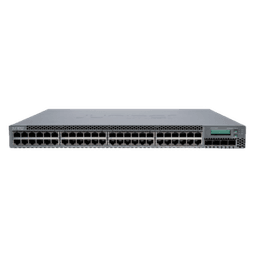
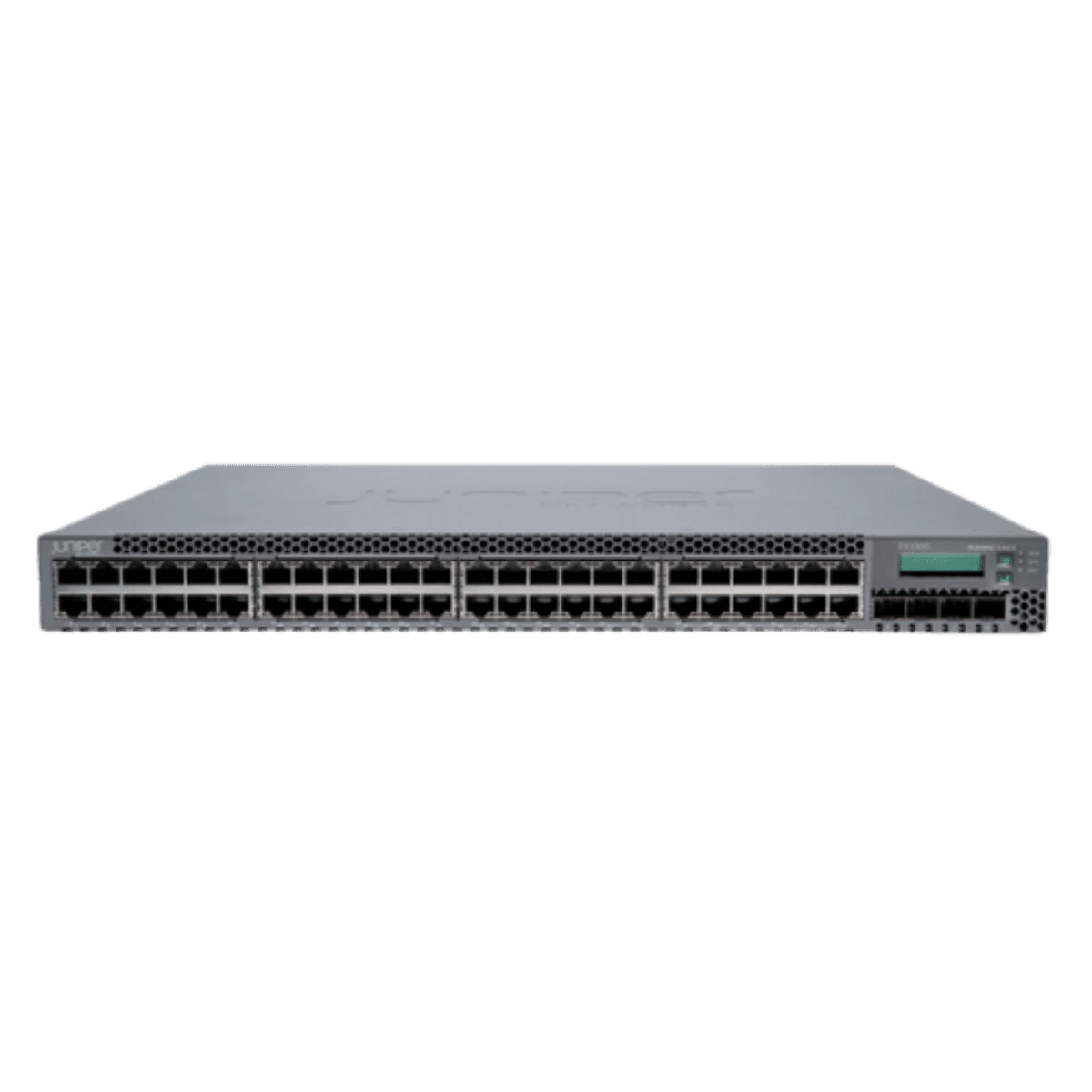
Juniper EX3300-48P-AFO 48-Port PoE+ Gigabit + 4 × 10GbE SFP+ Switch
Model Name : Juniper EX3300-48P-AFO
Brand : Juniper
Key Features
- 48 × 10/100/1000 Mbps PoE+ RJ45 ports
- 4 × 10 GbE SFP+ uplink ports for fiber or high-speed aggregation
- Juniper Junos OS with advanced networking features
- Virtual Chassis support (stack up to multiple units)
- High availability with redundant power options
- Advanced Layer 2 switching & Layer 3 routing
- Enterprise-class security (802.1X, DHCP Snooping, etc.)
- Flexible QoS, ACLs, and traffic management
- Energy-efficient design helps reduce power usage
 1 Year Warranty
 Condition : Refurbished
Buy Product
- Description
- Specification
- Reviews
Juniper EX3300 Switch provides 48 × 10/100/1000 Mbps PoE+ ports and 4 × 10 GbE SFP+ uplinks, delivering scalable, secure, and resilient Layer 2/3 connectivity.
With Virtual Chassis stacking and advanced Junos OS features, it’s ideal for enterprise access, wiring closets, and branch networks.
FAQ For Juniper EX3300 Switch
1. What is the EX3300 PoE+ switch used for?
It’s used to provide Gigabit Ethernet connectivity with PoE+ power to endpoints like wireless APs, VoIP phones, and security cameras, plus high-speed uplinks for aggregation.
2. Does the EX3300 support stacking?
Yes — Juniper Virtual Chassis technology allows stacking multiple switches into a single logical unit for simplified management and resiliency.
3. What are the uplink ports?
It has 4 × 10 GbE SFP+ ports for fiber or high-bandwidth uplinks to core switches or data center aggregation.
4. Is this switch suitable for Layer 3 routing?
Yes — it supports advanced Layer 2 and Layer 3 features across Junos OS, including static and dynamic routing.
5. What kind of PoE devices can it power?
The PoE+ budget supports access points, VoIP phones, surveillance cameras, digital signage, and other powered devices compliant with IEEE 802.3at.
6. How is this managed?
Management is via CLI, SNMP, Juniper’s management platforms like Junos Space, and automation APIs for orchestration.
Similar Products


